Find your sound
Choose music box, piano, guitar, strings, brass, or organ. All six voices are synthesized on your device, with volume and room ambience you can adjust.
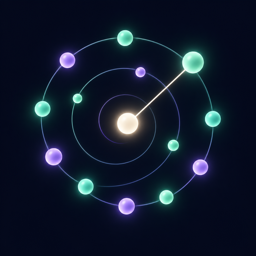 A Digital Musicbox · iPhone & iPad
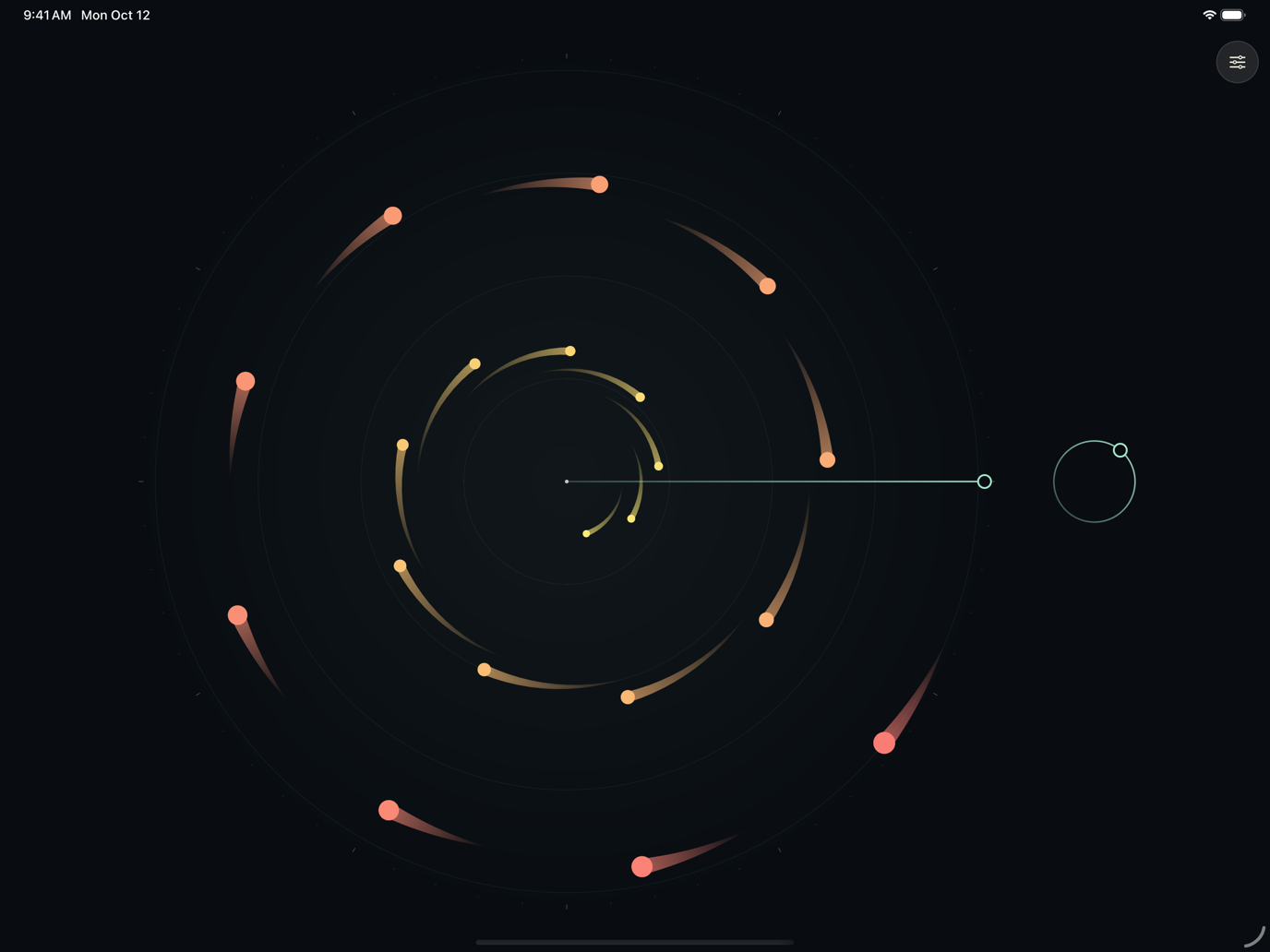
Immerse yourself in an ever-changing world of music and motion. Watch colorful notes form spinning galaxies and winding spirals, or reach into the pattern and make it your own.
Each shape sounds a note when it crosses the line. Shapes closer to the center move faster, creating intricate patterns and melodies from a few simple rules.
The redesigned version 2.0 is coming soon. The features and screenshots below preview the update, which requires iOS or iPadOS 26 or later.
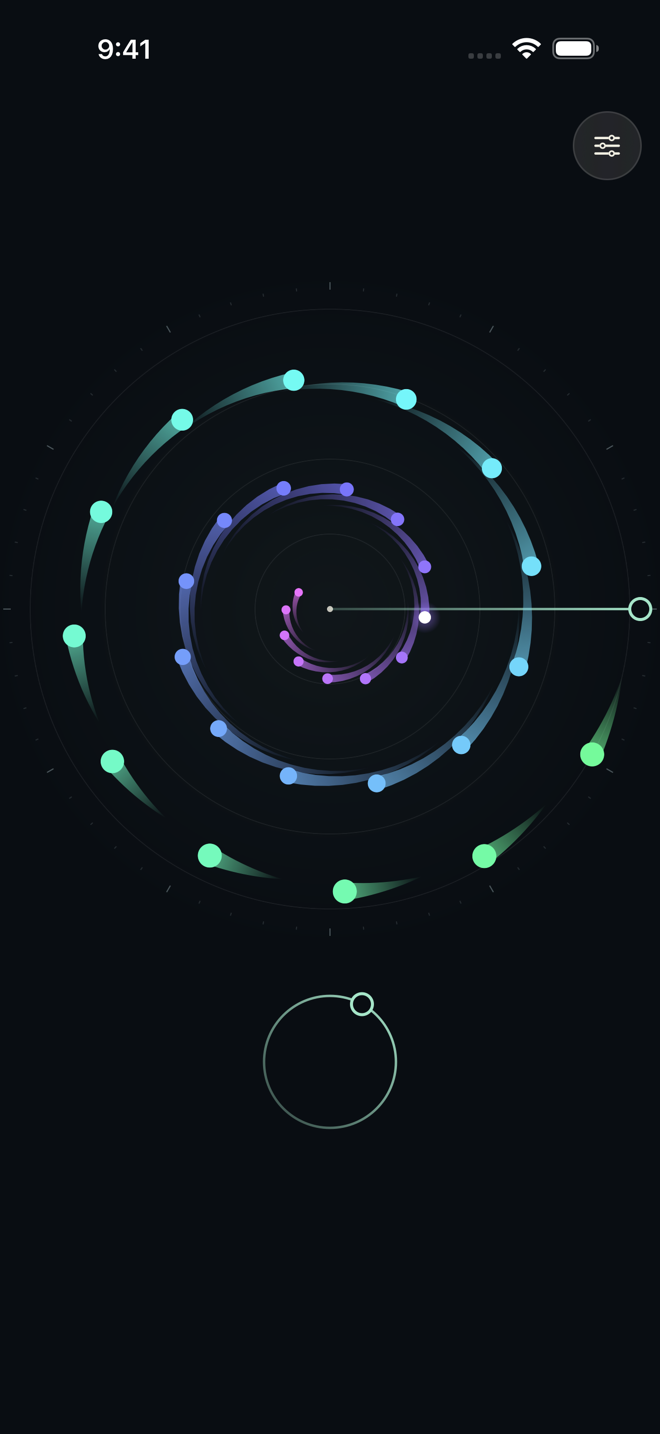
Let it play, slow it down, or follow your curiosity. Changes to sound, notes, and motion take effect as you explore.
Choose music box, piano, guitar, strings, brass, or organ. All six voices are synthesized on your device, with volume and room ambience you can adjust.
Explore pentatonic, major, minor, Dorian, whole-tone, and chromatic scales. Or arrange a custom sequence of notes and rests, with 4 to 88 orbiting notes.
Drag the line to sound the notes it crosses. Grab the circular progress control to explore backward or forward, and move your finger outward for finer control.
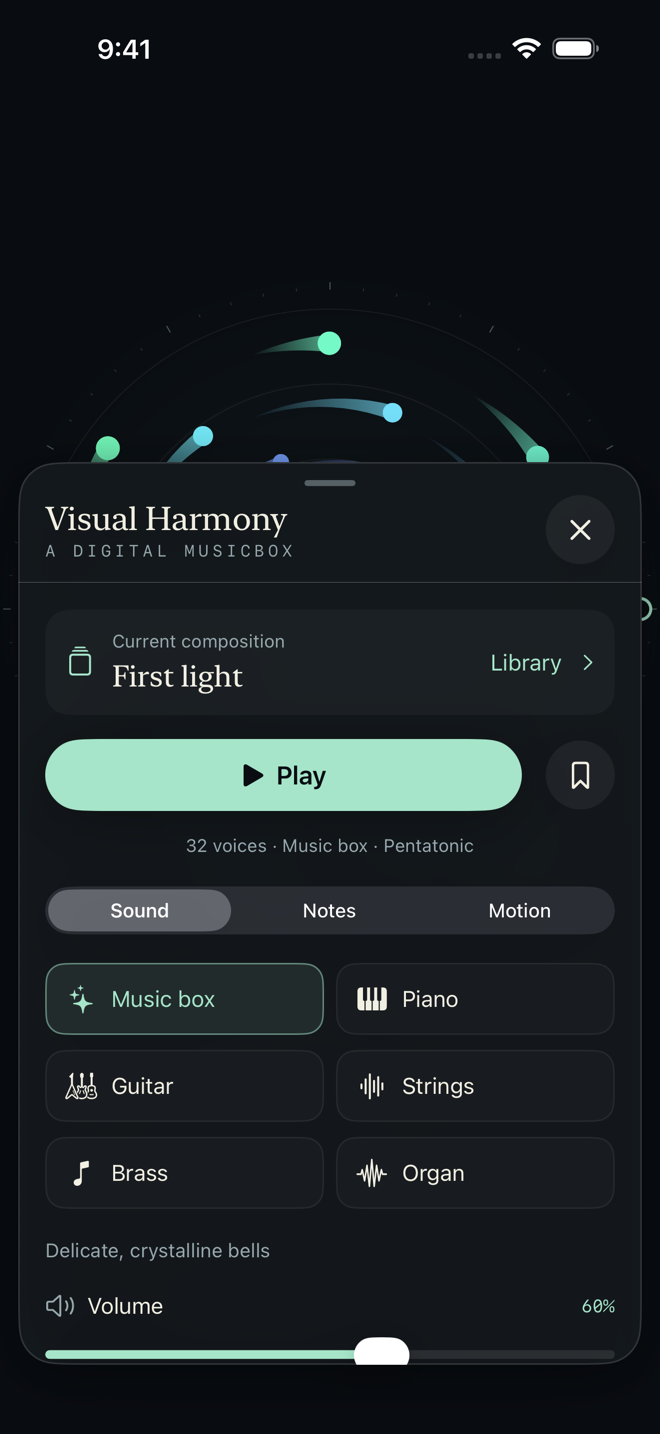
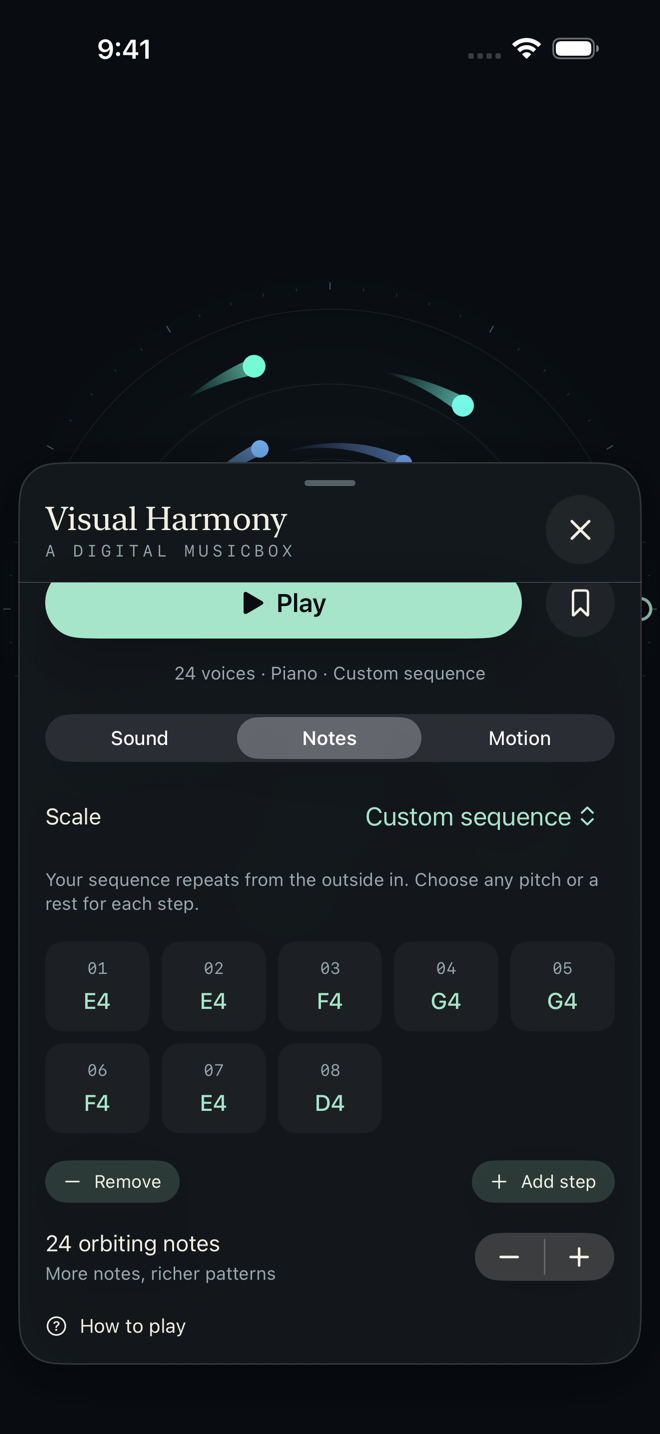
Start with one of six included compositions, change its sound and appearance, and save your favorites in your personal library.
Change the speed, reverse direction, and choose the note size, shape, and color palette. Add light trails or orbit guides, then hide the controls and enjoy the view.
Music starts when you open the app. Pause whenever you like; a playing session resumes when you return from the background.
A canvas that adapts to iPhone and iPad, in portrait or landscape. Floating controls keep the music close at hand.
Visual Harmony is an interactive musical/visual experience inspired by Jim Bumgardner’s invention of the digital Whitney Music Box.
Excelltech Inc. built on these ideas to give you more control over the music and motion, with instruments, scales, custom note sequences, and visual settings you can make your own.
The music and animation work offline. No account, microphone access, ads, subscriptions, or in-app purchases. Your settings and saved compositions stay in the app’s local storage.
Need help? Email support@excelltechmobile.com. Include your device model, iOS or iPadOS version, and a short description of the issue.