Read the field
An animated analog dial, digital readings in microteslas, and a rolling trace reveal changes in the magnetic field around your device.
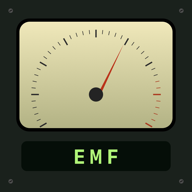
A beautifully tactile magnetic field instrument for your pocket. Watch the needle move, follow the readings, and hear the field come to life.
Available for iPhone & iPad · iOS 26+
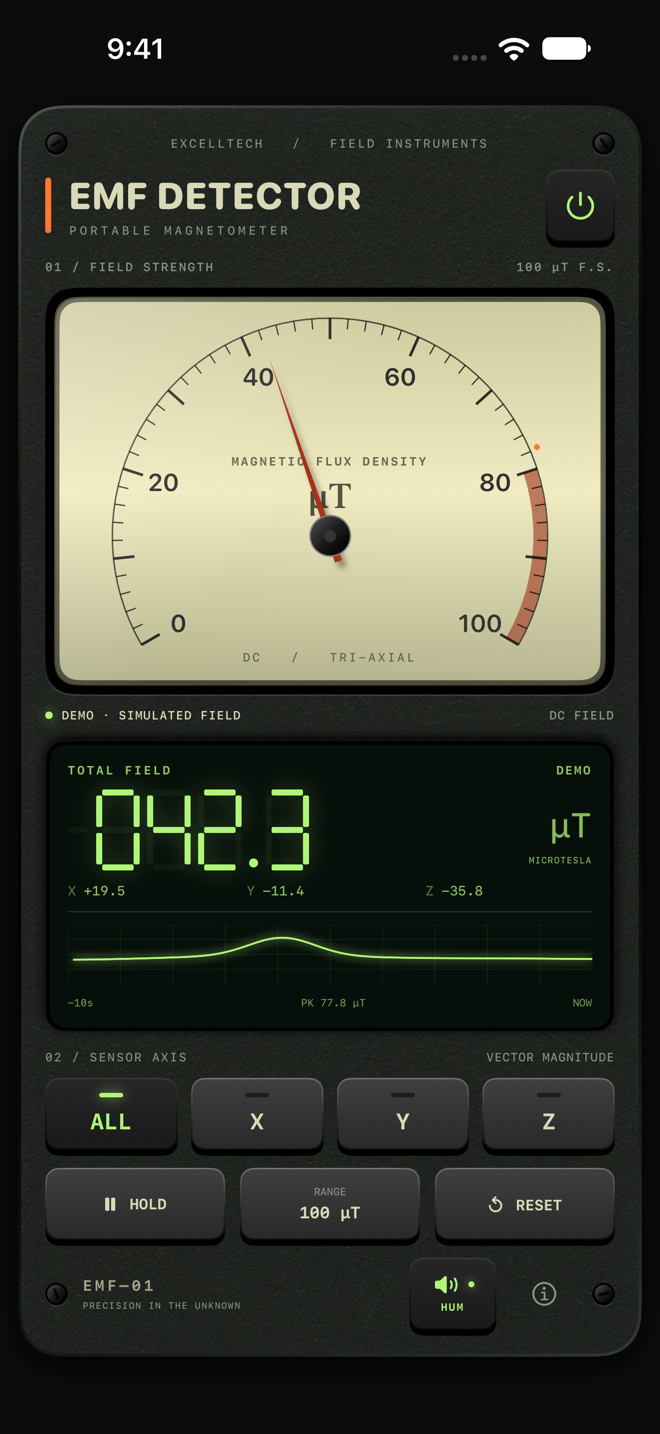
An old-school instrument feel, with your device’s magnetic sensor at its heart.
An animated analog dial, digital readings in microteslas, and a rolling trace reveal changes in the magnetic field around your device.
See total field strength or the signed X, Y, and Z components. Freeze a moment with HOLD, switch dial ranges, or reset peaks and history.
An electrical hum follows field strength. Mechanical button sounds and tactile feedback on supported iPhones bring the controls to life.
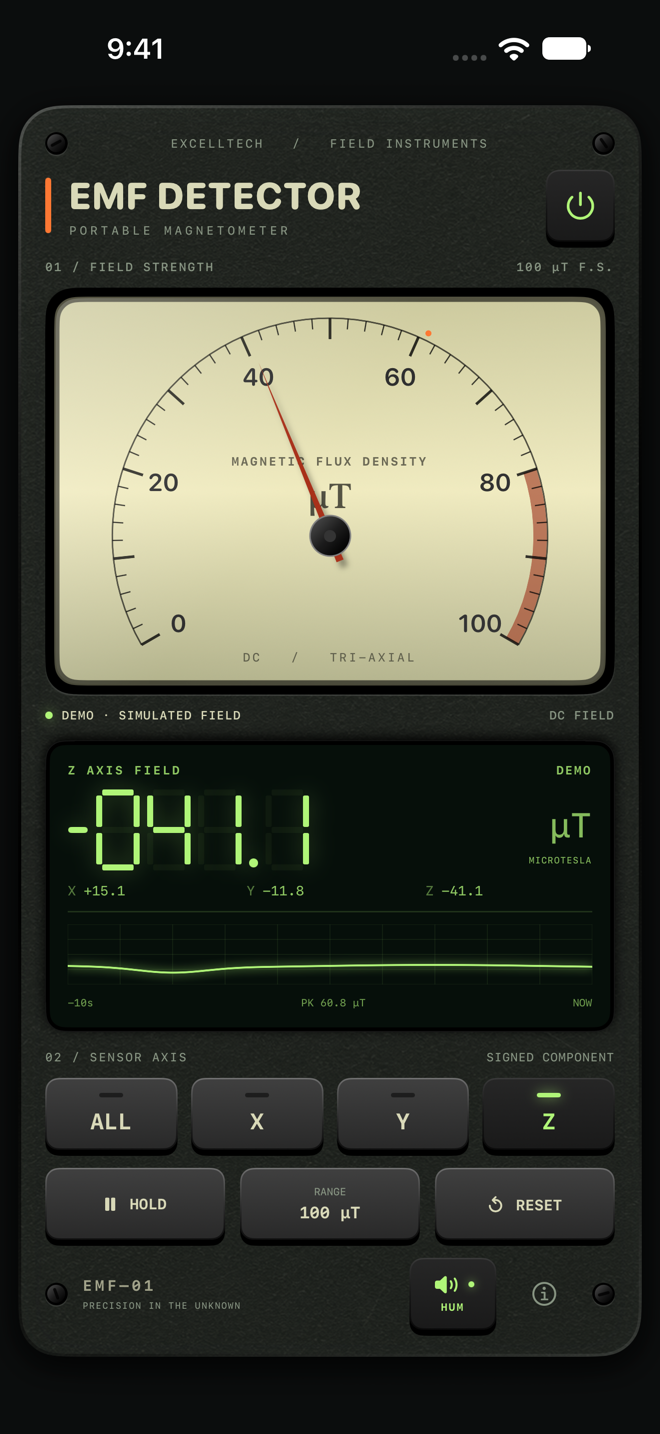
Move your device. Follow the needle. Notice what changes.
Choose a 100, 500, or 2,000 µT dial range, inspect the recent trace, and hold a reading to take a closer look. The included field guide helps you get to know your instrument.
Live measurements require a device with a magnetometer. Demonstration mode lets you explore the controls with clearly labeled simulated readings.
The app measures magnetic fields, not electric fields or radio-frequency radiation. It is not a calibrated safety instrument, wiring-fault detector, or paranormal detector. Calibration and magnetic accessories can affect readings.
For help, email support@excelltechmobile.com. Include your device model, iOS version, and a description of the issue.
Updated October 16, 2026 · Applies to EMF Detector 2.0
EMF Detector is published by Excelltech Inc. We do not collect, transmit, sell, or track personal information through the app.
Magnetic sensor readings, simulated readings, and synthesized audio are processed on your device. Readings and session history remain in memory and are cleared when the app closes. The mute preference is saved locally on the device. It is not sent to us.
The app has no account system, advertising, analytics, tracking SDKs, or network service. It does not access the microphone, contacts, or location. No third party receives sensor readings from the app.
If you choose to contact support, we receive the information you send, such as your email address and message, and use it to respond to your request. Do not include sensitive information that is unnecessary for support. Opening an external link uses your browser or email app; those services follow their own policies. Web hosting may process ordinary request information when you visit this website.
You can mute audio, stop measurement with the power button, and use the app without contacting support. Removing the app removes its locally stored preference. Contact us with questions about information you have provided through support.
If the app's data practices change, we will update this policy and its date. For privacy questions, contact support@excelltechmobile.com.